What to do now that Stocky has shut down
Published 9 Sep 2026
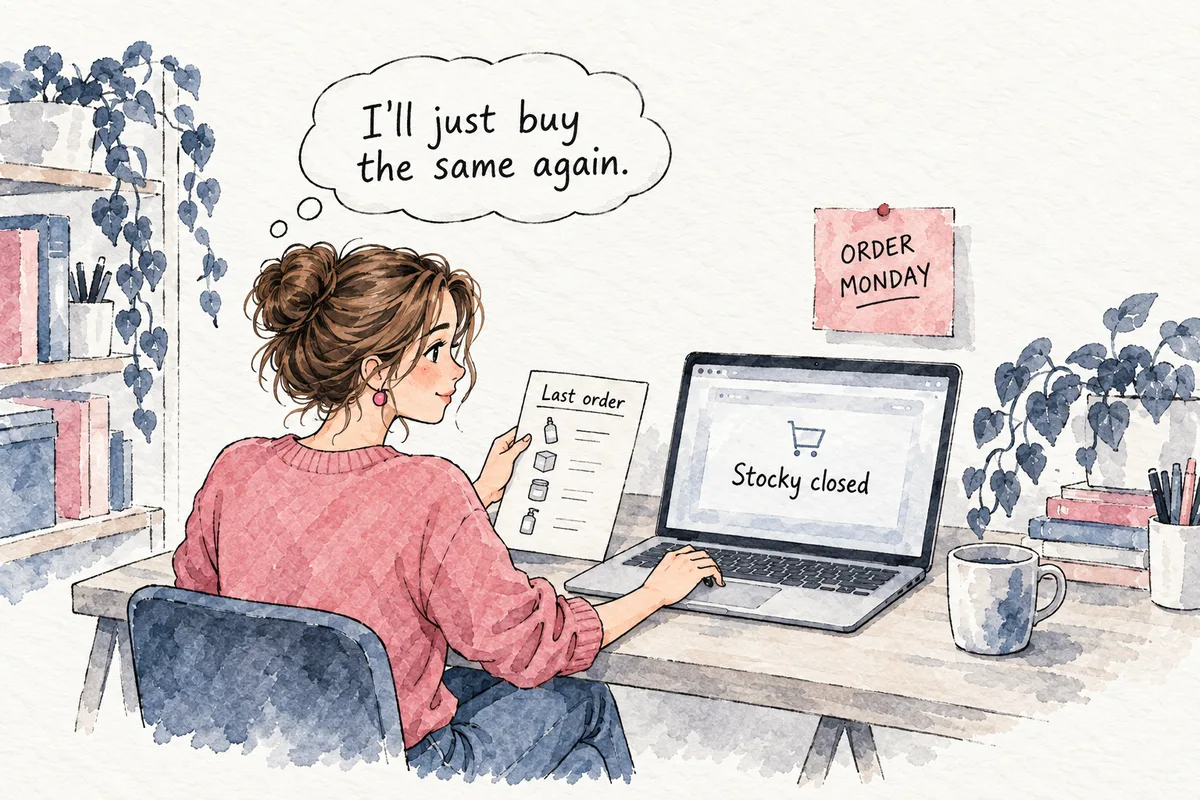
Your sales history is safe. Orders and sales live in Shopify, not in Stocky. What is gone or at risk is the work stored only in Stocky: purchase orders, supplier records and lead times, reorder points, stocktakes and suggested order quantities. First, recover those records or rebuild what you need for this month’s buy. Then choose a replacement by what Stocky was deciding for you, not by an app’s feature list.
Can I recover my Stocky data?
Stocky’s API shut down on 31 August 2026 and data access stopped with it. How long anything stayed readable inside Stocky afterwards is not documented anywhere trustworthy. Treat that date as the end of access.
If you exported, open those files before setting up another app. Check for open and closed purchase orders with supplier, date and cost, then supplier lead times, reorder points, stocktakes, corrections and transfers. A sales export does not replace those records.
If you did not export, ask Shopify support specifically for your Stocky purchase orders, supplier settings and reorder points. Whether support can recover them is unknown. Ask early. I would start rebuilding the next buy rather than make it depend on the reply.
What should I rebuild before placing an order?
Start with the products you need to buy this month. Put the stock you can account for, outstanding supplier orders, costs and lead times in one sheet. Give the quantities you have already promised to retailers their own line. Mark missing entries as unconfirmed. A blank lead-time cell stays a question for the supplier. It does not become a number chosen to finish the sheet.
Ask suppliers to confirm open orders and lead times. Check stocktakes, corrections and transfers before trusting an old balance. If those records are gone, count the products you plan to buy. An old reorder point, restored, says nothing about whether it suits the next buy.
Get the open orders and current lead times into the working sheet first. The closed purchase orders can wait. You do not need the archive back before deciding this month’s buy.
Keep a note of where each recovered number came from. An exported supplier setting and a supplier’s confirmation are different things, and at 11pm you need to know which one you are using. Put the cost beside each proposed order quantity so you can see the pounds you are committing before you place it.
Which Stocky replacement do I actually need?
Stocky did two jobs. It kept the purchase orders and supplier records, which is bookkeeping. It also suggested order quantities from recent Shopify sales, which is a forecast: knowing how much you will sell before you make it. Decide whether you need help with the records, the quantities, or both.
If your own Shopify site is most of your revenue, Prediko, Inventory Planner or Assisty rebuild reorder points, purchase orders and low-stock alerts. Stockie and Fabrikator sit in the same category. Budget about a week for setup and for re-entering supplier lead times. That is the cheap right answer, and you do not need Antevon for it.
Excel is also a reasonable choice while the catalogue is small and one person owns it. Keep it if those conditions hold. Write down how you decide the buy as well as the result, so the next person does not inherit a sheet whose logic lives in your head. A spreadsheet that averages last year still cannot see a press spike coming, and one piece of press can triple a hero product’s sales for about six weeks.
What changes when I sell through retailers?
A Shopify-only forecast is the wrong basis for a stock commitment to Boots. Prediko, Inventory Planner and Assisty read the Shopify store. They do not see retailer demand. For a beauty brand selling substantially through retail, most demand never touches that store, so the app is planning from the smallest slice of the picture.
Boots, Sephora UK and Space NK each order on their own calendar, in their own pattern, around their own promotions. Put those expected orders beside the Shopify estimate, one line per retailer. Ask the buyer about the next commitment before treating a quiet week on your site as a reason to buy less.
A reorder point reacts after the fact. That lag is tolerable when your own site is the business. With retailer commitments it is how you end up short of the hero in the week a retailer needed it, and overstocked on everything else. Recreating Stocky’s routine does not answer the retailer’s question about how much stock you can commit.
Below roughly £20 to 30M revenue, the title "demand planner" does not exist at these companies. The founder owns the buy and does the forecast, usually at 11pm in a spreadsheet, and the usual alternatives are a junior hire who inherits the sheet, or nothing until the hero sells out. Paying someone to own the forecast, in-house or as a service, is the expensive route. Most brands under £5M do not need it. The reason to consider it is a retailer commitment where a wrong buy costs weeks of sales, not a few orders. That is where Antevon sits, next to a fractional CFO or an outsourced planner, not next to software.
What do I do on Monday?
- Gather your Stocky exports and send Shopify support one request naming the missing purchase orders, supplier settings and reorder points.
- Make a sheet for the products in your next buy: available stock, open purchase orders, costs. Send suppliers the lead times and order details that need confirming.
- Ask each retailer buyer for the quantities and dates they expect to order, including planned promotions.
- Write down who decides this month’s order quantities, and whether Shopify sales give that person enough to work with.
The 14-day audit is for a founder selling through retailers who sizes the next buy herself, usually at 11pm. On day 14 you keep the forecast for every product at every retailer in Excel, each decision priced in pounds, and a working session through the first decisions. If your own site is most of your revenue, an inventory app is enough and you do not need this.